
If your Shopping ads are showing oddly cropped product images, Google Merchant Center’s “Smart Cropping” feature may be the reason. This setting, which is enabled by default, uses automation to zoom in on what Google deems the most relevant part of an image. As a result, images may appear unexpectedly cropped in Search and Shopping results.
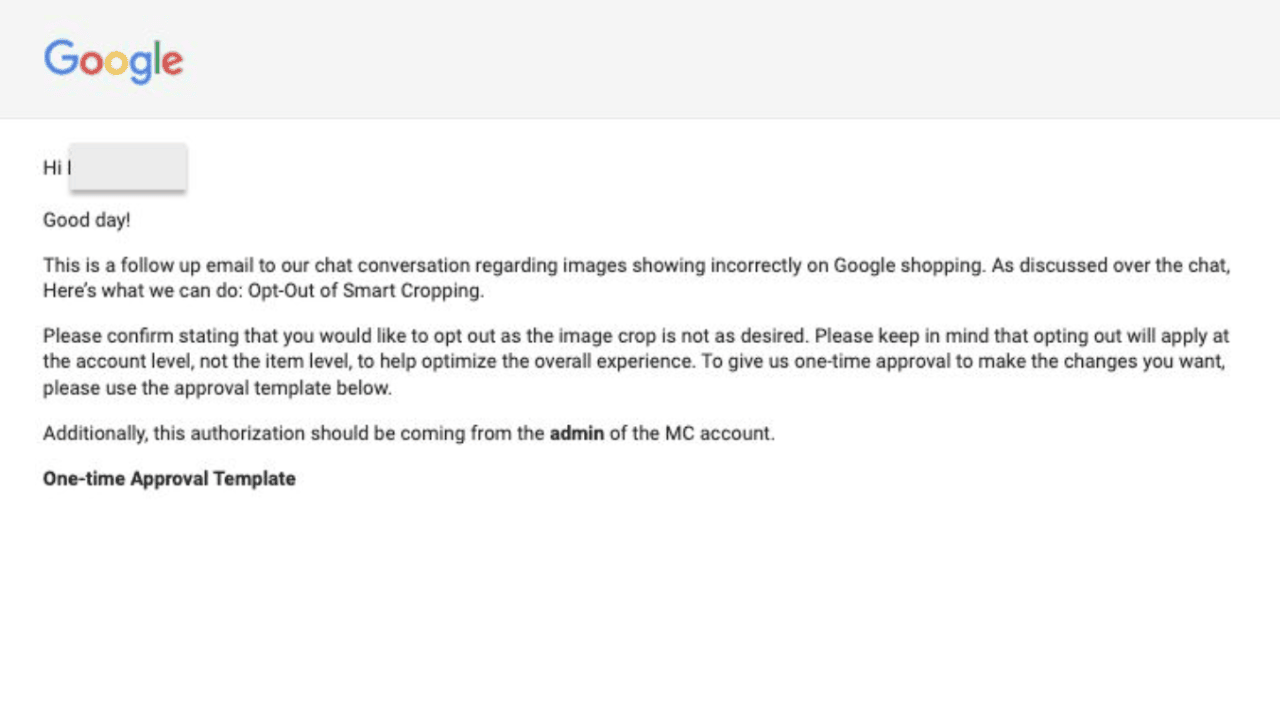
There is currently no way to disable Smart Cropping directly in the UI. However, advertisers experiencing issues can contact Google support to have it turned off manually for their account.
This tip was shared by Kirk Williams after seeing unusual Shopping ad visuals despite correct image uploads.