Your One-Stop Source for the Latest PPC News

Segment Menu in Google Ads Gets More Compact UI

Dropdown menu from an older Google Ads UI of an analytics platform, showing options like Time, Click type, Conversions, Device, and more with "OLD UI" highlighted in red text. A line graph appears in the background.

Saquib Syed noticed that a subtle but noticeable UI update is rolling out in Google Ads, this time in the Segment dropdown menu.

Image 1: Old UI, wider layout, more breathing room
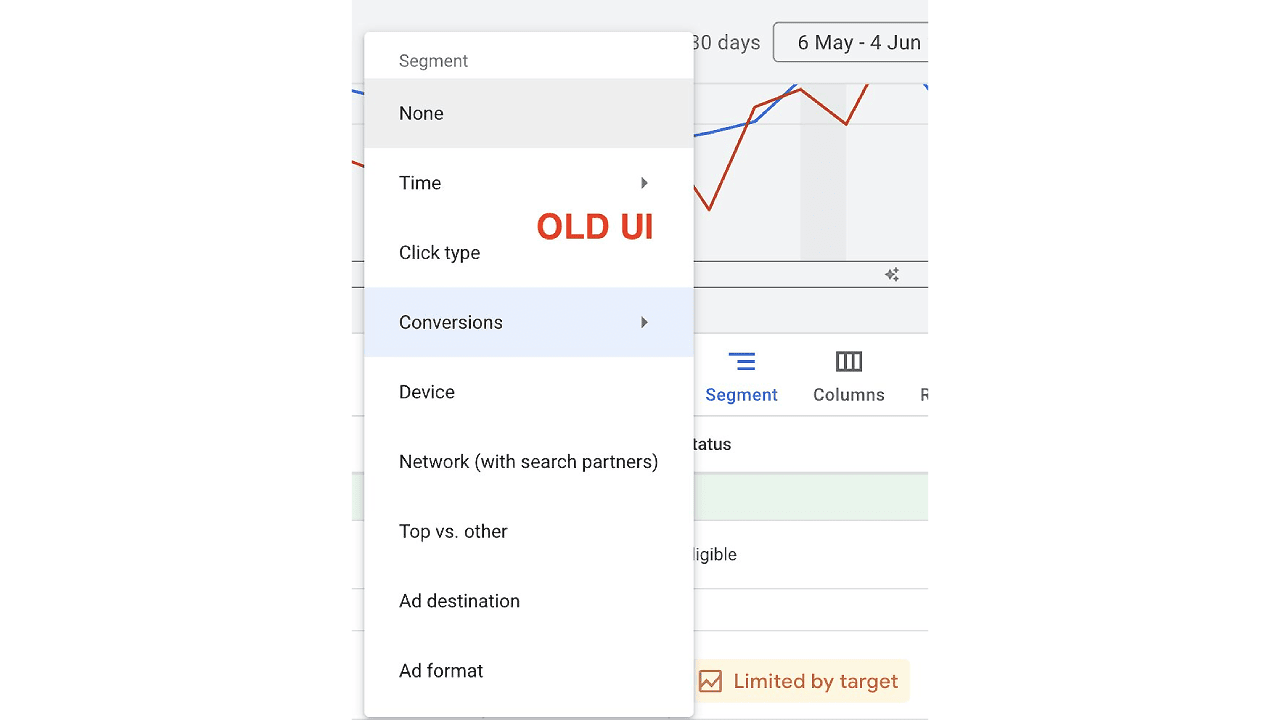
Dropdown menu from an older Google Ads UI of an analytics platform, showing options like Time, Click type, Conversions, Device, and more with "OLD UI" highlighted in red text. A line graph appears in the background.

Image 2: New UI, compact, minimal, space-saving
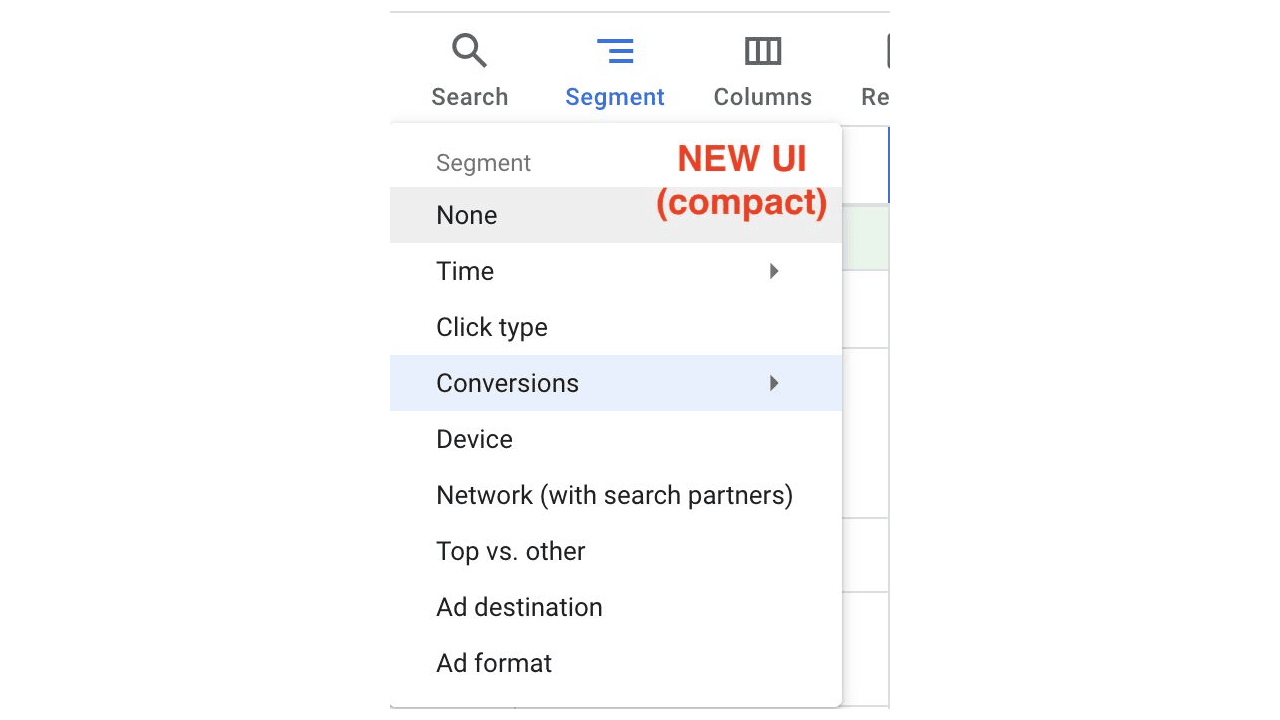
A dropdown menu labeled "Segment" in the Google Ads UI shows options like None, Time, Click type, Conversions (highlighted), Device, and more. "NEW UI (compact)" is displayed in red text.

While this doesn’t impact core functionality, it’s part of a broader trend of Google refining UX across Ads.

Share this article
0
Share
Shareable URL
Read next