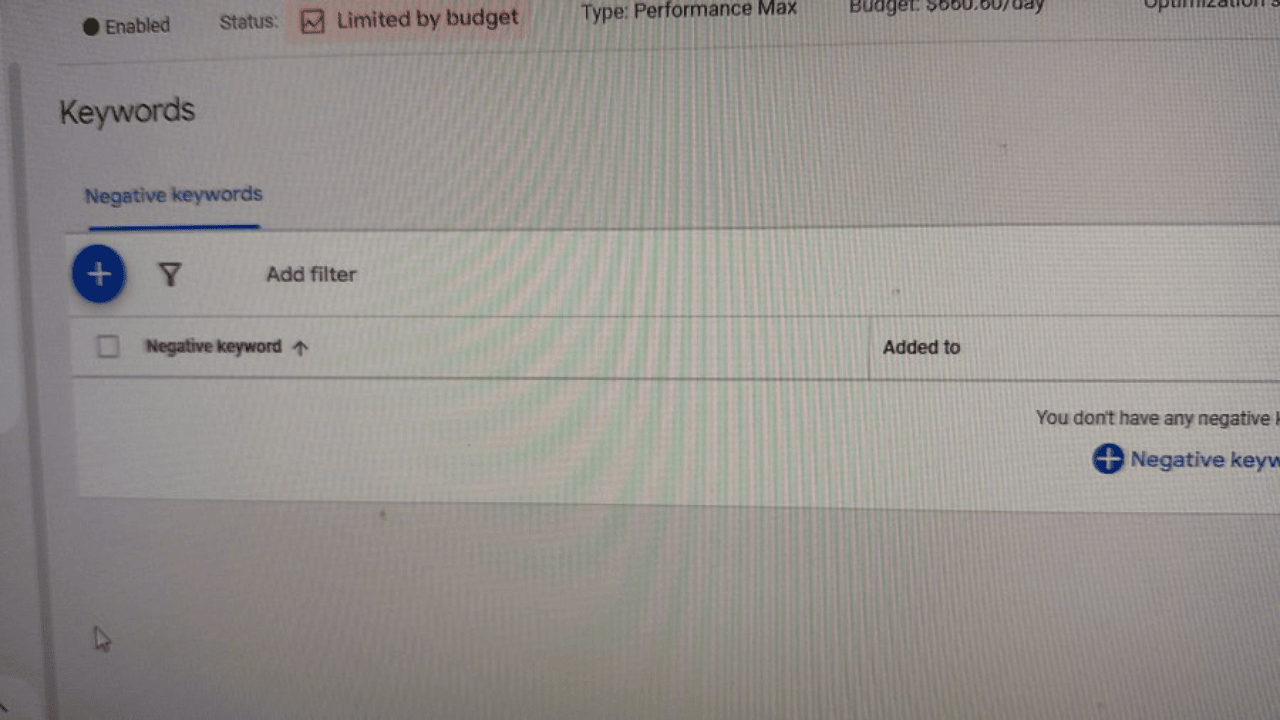
Joe Shmo discovered the ability to add negative keywords in Performance Max campaigns within his account. This marks the first screenshot of this functionality shared with the community.
This feature was announced in September 2024, and gained further clarity in December 2024 with the release of an official help page detailing how to add negative keywords.
Emmanuel Flossie added that Google allows 100 individual negative keywords to be added. While this is a step forward, many advertisers feel it’s insufficient for effective control.
Check if it is already available in your account:
- In Google Ads, click Campaigns.
- Open the Audiences, keywords, and content menu.
- Select Keywords.
- Go to the Negative keywords tab.
- Click the plus button to add keywords.
- Choose your Performance Max campaign.
- Enter keywords (one per line, with match type symbols).
- Click Save.