
Google Ads has introduced a more streamlined process for managing political ad settings, allowing advertisers to configure them at the account level instead of individually per campaign.
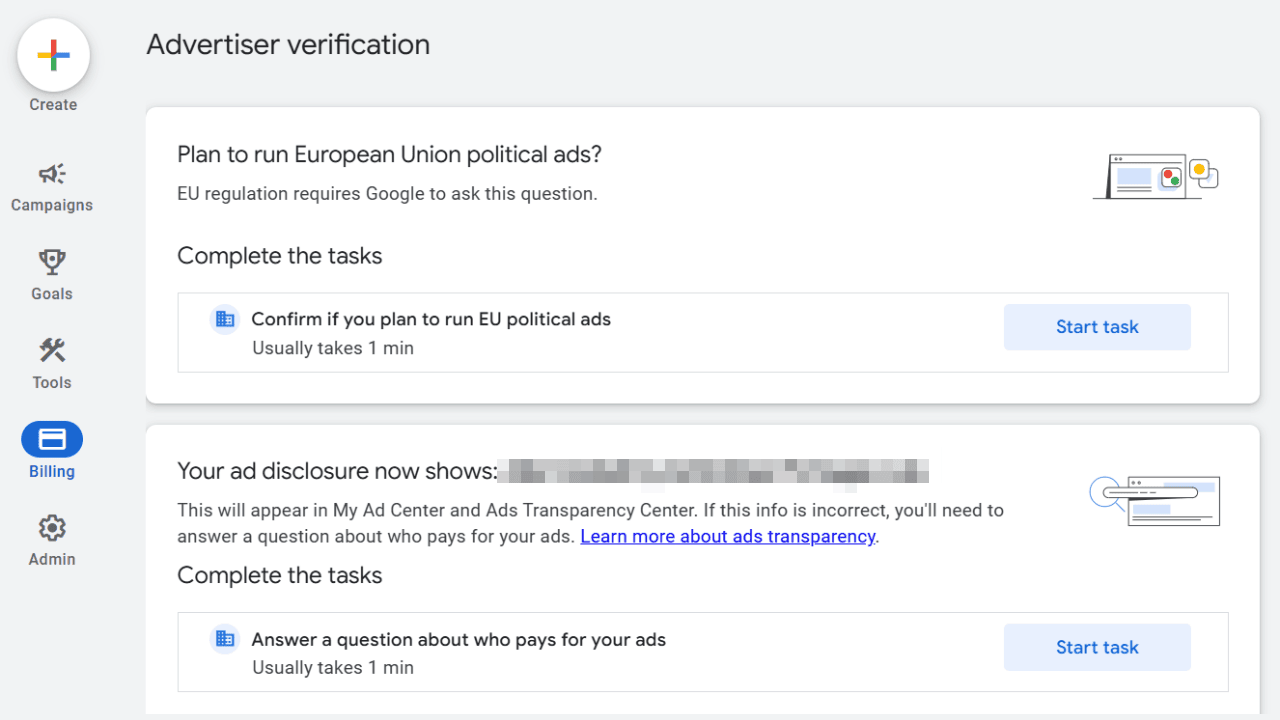
This update is especially relevant for those planning to run political ads in the European Union. You can access the new setting by navigating to:
- Billing
- Advertiser verification
- Answer “Yes” or “No” under the EU political ads section
- Save
Setting this up proactively can prevent email notifications and ensure continued ad delivery without disruption. Agencies managing multiple campaigns will find this centralized setup far more efficient.
This update was shared by Anthony Higman.