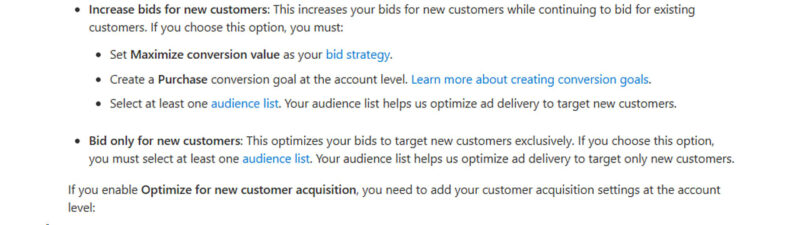
Microsoft Advertising has introduced an Optimize for new customer acquisition setting within the search campaign setup. This feature includes two modes: ‘Increase bids for new customers’ and ‘Bid only for new customers.’ Not all users have access to this feature yet as it is rolling out gradually.
For the ‘Increase bids for new customers’ mode, advertisers must set Maximize conversion value as the bid strategy, create a Purchase conversion goal at the account level, and select at least one audience list. For the ‘Bid only for new customers’ mode, selecting at least one audience list is also required.
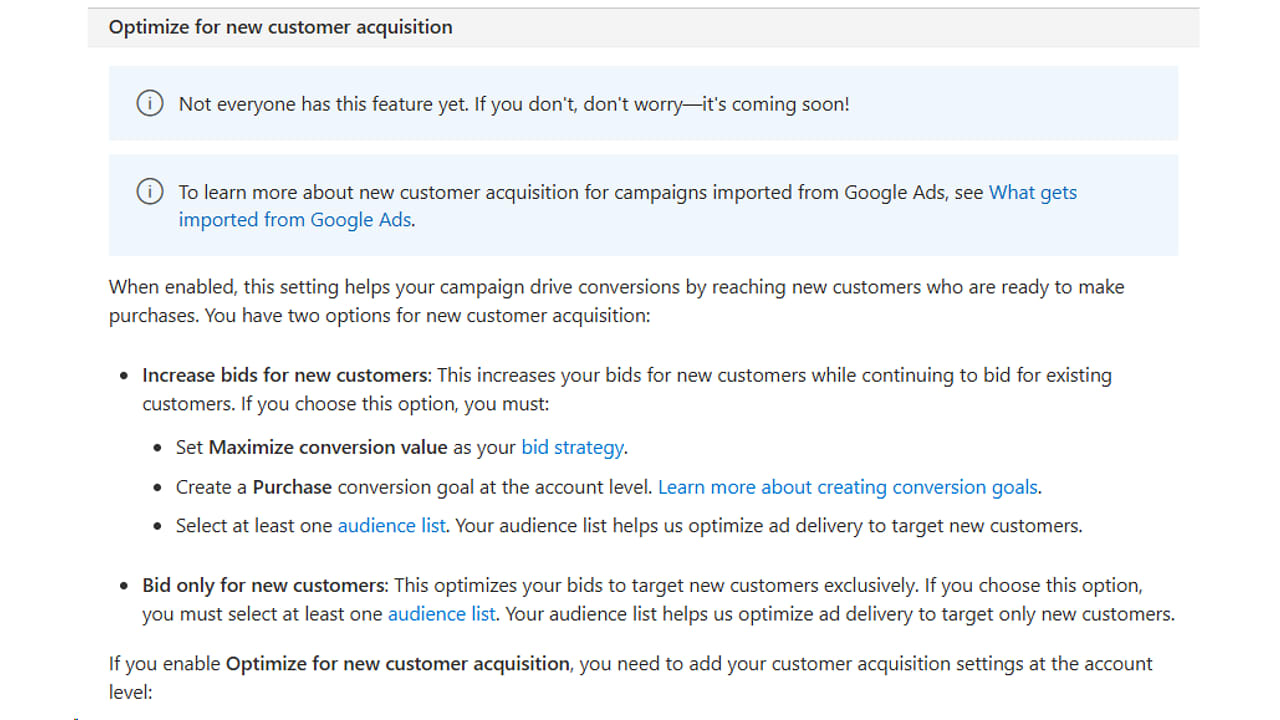
Additional instructions for setting up customer acquisition settings are available on the Microsoft Advertising help page, detailing how to integrate these settings during Performance Max campaign creation or from the Conversion goals page.
Read the official help page here: How do I create a Search campaign?
This update was spotted by Hana Kobzová.