If you’ve just set up a Google Ads MCC and got the dreaded “Can’t create a new account” error, you’re not alone. Here’s why it happens and how to fix it easily.
Seeing this error message in Google Ads?
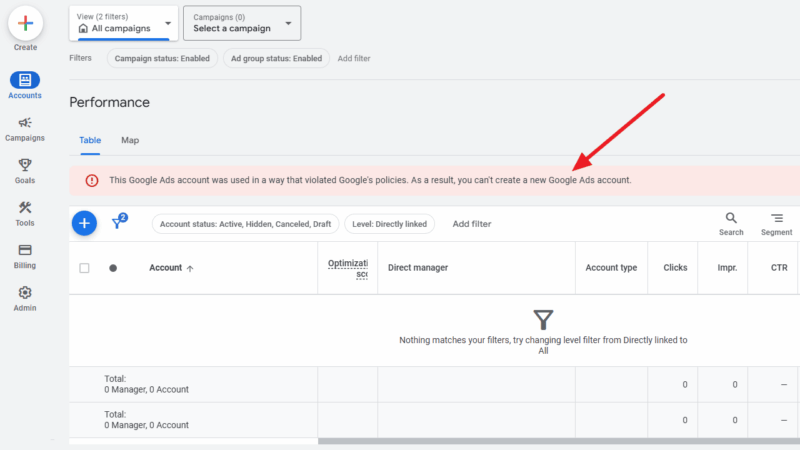
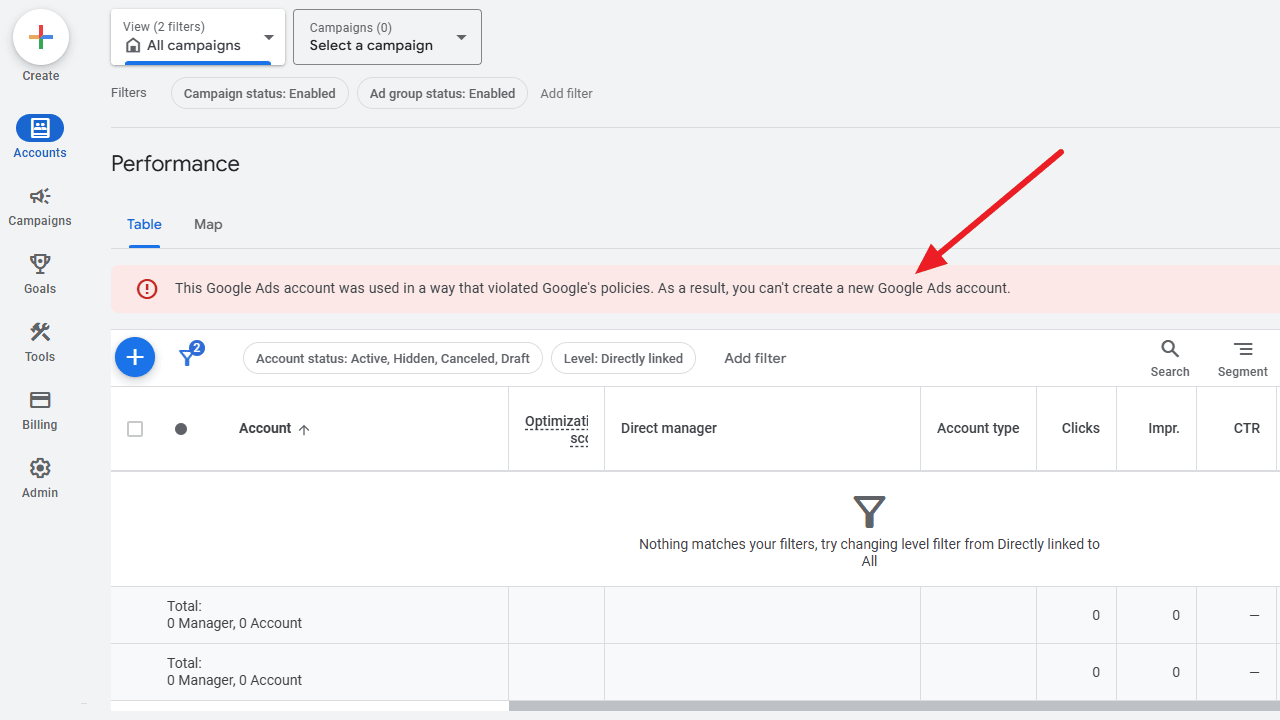
“This Google Ads account was used in a way that violated Google’s policies. As a result, you can’t create a new Google Ads account.”
You’re not alone. It happened to me too.
When Does the “Can’t Create New Account” Error Happen?
This unexpected error happens when you create a new MCC account and immediately try to add a new individual account under it.
Here’s how it looks like:
Why Google Ads Shows This Error in MCC
The exact cause isn’t confirmed. It could be that Google runs backend verification checks to make sure the new MCC account is set up correctly and linked to a valid profile before allowing additional accounts to be created.
The wording of the message can be misleading, as it suggests the restriction is due to a policy violation. This might cause you to start searching for a suspended account that doesn’t actually exist.

It’s also possible the message appears due to a system bug or delay in syncing account permissions.
How to Fix the MCC New Account Error
If you’re running into this Google Ads MCC error, the good news is that it’s usually a temporary hiccup.
By following the steps below, you can resolve the problem without wasting hours trying random fixes.
Follow these steps:
- Create your MCC account
- Wait 48 hours before creating a sub-account
- Try again – After the wait period, attempt to create the new account. The error should be gone.
💡 Pro Tip: If the problem still persists after 48 hours, contact Google Ads support and mention that your MCC account is newly created.
In most cases, the error disappears and you can create the new account without running into this error message again.
Hopefully this helps ease any stress. Hang in there 💤, and try creating the account again after a bit of time.